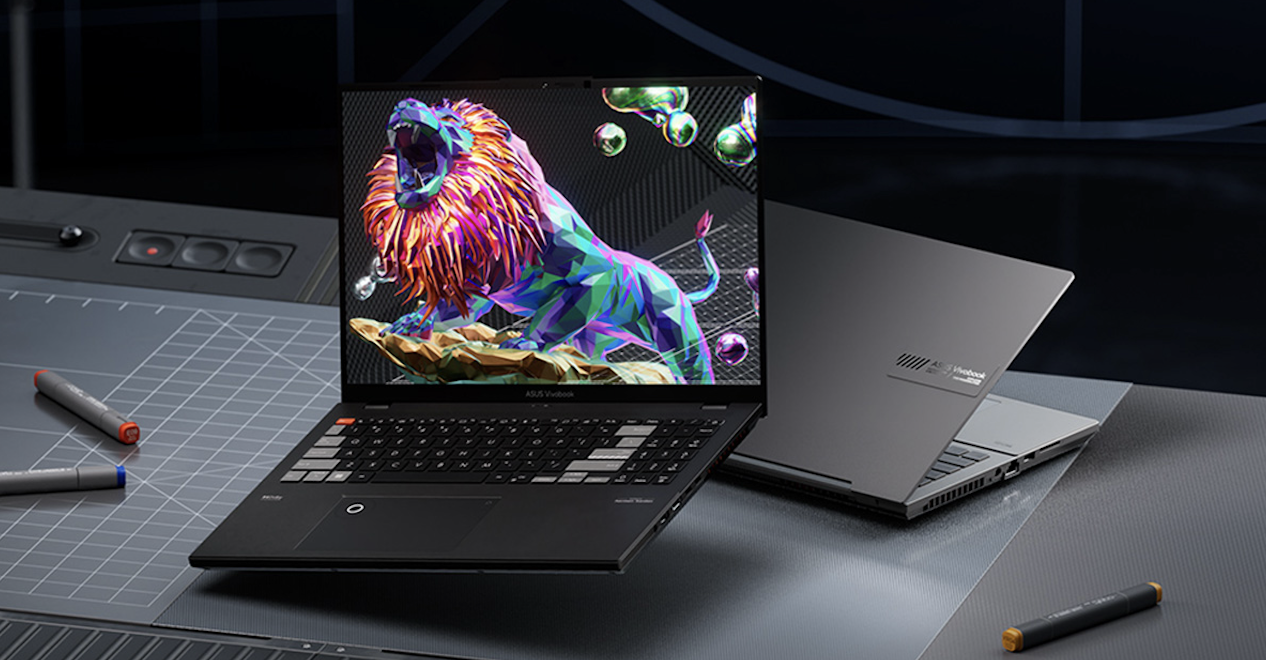
Choosing the best laptop for graphic design is not about picking the most expensive machine. It is about finding the perfect balance between performance, display quality, portability, and long-term reliability. As designers, we rely on precision, speed, and visual accuracy. A poorly chosen laptop can slow down workflows, distort colors, and limit creativity.
In this guide, we present a detailed, no-nonsense breakdown of what truly matters when selecting a laptop for graphic design, along with the best options available right now.
Key Features Every Graphic Design Laptop Must Have
1. High-Resolution, Color-Accurate Display
The display is the heart of any graphic design setup. A laptop with poor color reproduction will lead to inaccurate designs.
We recommend:
- Minimum Full HD (1920×1080) resolution
- Ideal: 4K (3840×2160) for sharp visuals
- 100% sRGB coverage at minimum
- Preferably AdobeRGB or DCI-P3 support
2. Powerful Processor (CPU)
Look for:
- Intel Core i7 or i9 (latest generation)
- Apple Silicon chips (M2, M3, or newer)
- AMD Ryzen 7 or Ryzen 9
A fast CPU ensures smooth multitasking, faster rendering, and efficient workflow handling.
3. Dedicated Graphics Card (GPU)
While not always mandatory for basic design tasks, a dedicated GPU becomes critical for:
- 3D design
- Video editing
- Motion graphics
Recommended options:
- NVIDIA GeForce RTX series
- Apple integrated GPU (M-series chips)
- AMD Radeon graphics
A strong GPU improves render speeds and real-time previews, especially in advanced design projects.
4. Sufficient RAM for Multitasking
Memory directly affects how smoothly your software runs.
- Minimum: 16GB RAM
- Recommended: 32GB RAM or more
More RAM allows us to run multiple heavy applications simultaneously without lag.
5. Fast SSD Storage
Speed matters when opening large design files.
- Minimum: 512GB SSD
- Recommended: 1TB SSD or higher
Solid-state drives ensure faster boot times, quick file access, and smooth performance.
6. Build Quality and Portability
Designers often work on the go. A good laptop should be:
- Lightweight but durable
- Made from premium materials like aluminum
- Easy to carry without sacrificing performance
Battery life is also critical. Aim for at least 8–10 hours for uninterrupted work sessions.
Best Laptops for Graphic Design in 2026
1. Apple MacBook Pro (M3/M4 Series)
Why it stands out:
- Exceptional Retina display with P3 color accuracy
- Powerful Apple Silicon chips
- Outstanding battery life
- Seamless performance with design software
This laptop delivers consistent, lag-free performance even under heavy workloads.
2. Dell XPS 15 / XPS 17
A premium Windows alternative with a stunning display.
Key strengths:
- 4K OLED display option
- Slim, elegant design
- Strong CPU and GPU combination
- Excellent build quality
3. ASUS ProArt Studiobook
Designed specifically for creators.
Highlights:
- Factory-calibrated display with high color accuracy
- Powerful GPU options
- Built-in dial for creative controls
This laptop is perfect for serious professionals working in demanding creative environments.
4. Microsoft Surface Laptop Studio
A unique option for creative professionals.
What makes it different:
- Convertible design for drawing and design
- Touchscreen with stylus support
- Strong performance for design tasks
It is excellent for digital artists and illustrators who need flexibility.
5. HP Spectre x360
A stylish and versatile laptop.
Key advantages:
- Lightweight and portable
- OLED display option
- Convertible design
This is a great choice for freelancers and students who want power with mobility.
Mac vs Windows for Graphic Design
Mac Advantages
- Optimized performance with creative software
- Superior color accuracy
- Long battery life
Windows Advantages
- More hardware variety
- Better upgrade options
- Wider price range
Both platforms are powerful. The decision depends on workflow preferences and software compatibility.
Best Budget Laptops for Graphic Design
Not everyone needs a premium machine. There are solid budget options available.
What to look for in a budget laptop:
- At least 16GB RAM
- SSD storage
- IPS display
Recommended picks:
- Mid-range ASUS Vivobook models
- Acer Swift series
- Lenovo IdeaPad Slim
These laptops can handle basic to moderate design tasks efficiently.
Common Mistakes to Avoid
1. Ignoring Display Quality
Many users focus on performance but ignore the screen. This leads to poor color accuracy.
2. Choosing Low RAM
8GB RAM is no longer enough for modern design software.
3. Buying Based on Brand Only
Performance matters more than branding. Always check specifications first.
4. Overlooking Storage Needs
Large design files require significant space. Always choose expandable or high-capacity storage.
Recommended Specifications Summary
For a smooth graphic design experience, we suggest:
- CPU: Intel i7 / Ryzen 7 / Apple M-series
- RAM: 16GB minimum (32GB ideal)
- Storage: 1TB SSD
- Display: 4K IPS or OLED with high color accuracy
- GPU: Dedicated GPU for advanced work
Final Thoughts
Selecting the best laptop for graphic design requires careful consideration of performance, display quality, and long-term usability. A powerful processor, accurate screen, sufficient RAM, and fast storage form the foundation of a reliable creative machine.
We recommend investing in a laptop that not only meets current needs but also supports future growth. A well-chosen device enhances productivity, ensures visual accuracy, and allows creative ideas to flow without limitations.
A strong laptop is not just a tool. It becomes the core of your creative workflow, shaping the quality and efficiency of everything you produce.