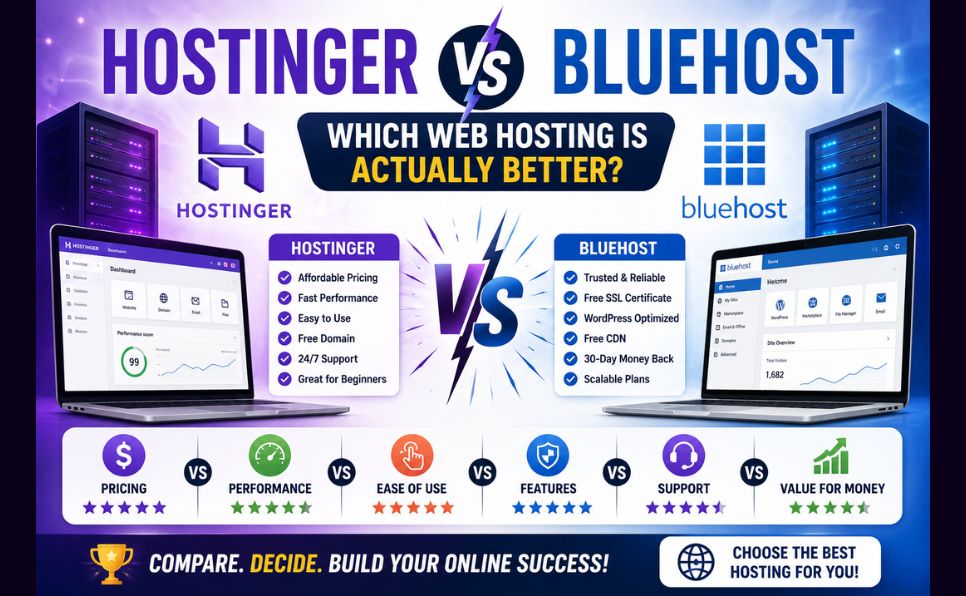
Selecting the right web host in 2026 is one of the most critical decisions for any online business, blogger, or developer. In an industry saturated with affiliate marketing hype, finding unbiased, data-backed comparisons can be incredibly difficult. Two giants dominate the entry-level web hosting landscape: Hostinger and Bluehost. Together, they host millions of websites worldwide. However, they approach web hosting with entirely different infrastructure choices, pricing structures, and control panels.
This comparison breaks down their corporate backgrounds, pricing structures, performance, uptime, security features, WordPress integrations, and customer support to help you decide which host actually deserves your money in 2026.
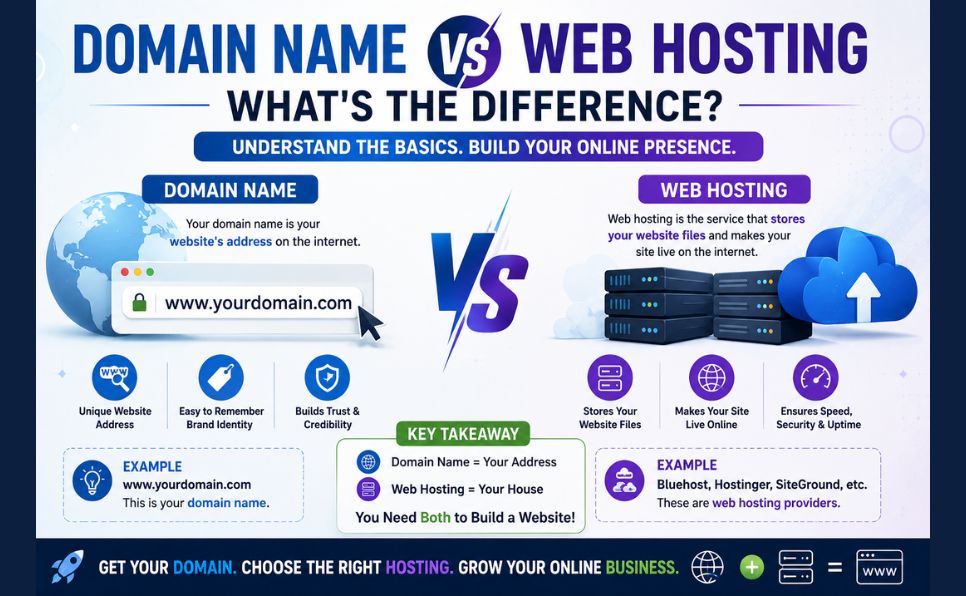
New to hosting terminology? If you’re still getting familiar with the basics, start with our guides on What Is Web Hosting and Domain Name vs Web Hosting before diving into this comparison.
About Hostinger
Founded in 2004 in Lithuania, Hostinger has grown into a global hosting provider, structured as a majority employee-owned company and serving millions of active users across 150+ countries.
In its early days, Hostinger faced criticism after its CEO admitted employees had posted fake reviews, and the company was temporarily banned from certain WordPress hosting community groups for self-voting in polls. Since then, Hostinger has matured significantly — moving away from cheap promotional tactics, building its own customized cloud hosting infrastructure, transitioning to LiteSpeed web servers, and earning a solid reputation for fast, affordable hosting.

About Bluehost
Founded in 2003 by Matt Heaton and Danny Ashworth, Bluehost is one of the oldest and most recognizable names in web hosting. Headquartered in the United States, Bluehost was acquired in 2010 by Endurance International Group (EIG), which later rebranded to Newfold Digital in 2021 following a merger with Web.com. Bluehost has since modernized parts of its infrastructure, including migrating VPS and Dedicated server systems to cloud-based platforms.
Bluehost’s biggest advantage is that it appears on WordPress.org’s official list of recommended hosting providers, alongside a small group of other hosts. While this recommendation carries real marketing weight, critics often point out that Bluehost also runs a large, lucrative affiliate program — and its shared servers (under EIG/Newfold ownership) have historically been associated with slower performance and aggressive upselling compared to newer competitors.
Pricing Comparison
Understanding the actual cost of hosting means looking past the low introductory rate and checking renewal pricing, contract length, and add-on costs.
Hostinger (Premium Shared)
- Entry price: around $2.99/month, tied to a 48-month term
- Renewal price: around $10.99/month
- Typically bundled free: domain privacy, malware scanning, automated backups, SSL, CDN
Bluehost (Starter Shared)
- Entry price: around $1.99/month, tied to a 36-month term
- Renewal price: around $9.99/month
- Often billed as extras: domain privacy, malware/security scanning (SiteLock), automated backups (CodeGuard)
At a glance, Bluehost’s entry price looks cheaper — but once you factor in the paid add-ons that Hostinger tends to include for free (domain privacy, malware scanning, backups), the real multi-year cost gap narrows significantly, and can even flip in Hostinger’s favor.
⚠️ Note: Hosting prices and promotions change frequently and vary by region and ongoing offers. Always confirm current pricing directly on Hostinger’s and Bluehost’s official websites before purchasing. Both providers offer a standard 30-day money-back guarantee, so you can test the service risk-free.
Performance & Speed
Website speed directly impacts SEO, user experience, and conversions — and this is where the two hosts differ structurally.
Hostinger runs on LiteSpeed web servers with NVMe SSD storage, which is generally faster and more efficient than traditional setups. Its built-in LiteSpeed Cache (LSCache) plugin can meaningfully improve WordPress load times, and its global data center footprint helps reduce latency for international audiences.
Bluehost relies primarily on Apache-based servers on its shared hosting plans. Without native LiteSpeed support, many users add third-party caching plugins to match similar speeds. Its data centers are also more US-centric, meaning visitors from other regions may experience higher Time to First Byte (TTFB).
In independent speed tests cited across the hosting industry, Hostinger’s shared hosting consistently edges out Bluehost’s shared hosting in raw load times — though real-world results always depend on your specific site, plugins, and traffic.
Uptime
Both hosts advertise a standard 99.9% uptime guarantee.
- Hostinger generally reports real-world uptime in the 99.97%–99.99% range, aided by its distributed cloud infrastructure.
- Bluehost is generally stable but, like most shared hosting environments, can be affected by “noisy neighbor” issues — where heavy traffic on another site sharing your server temporarily impacts your site’s performance.
Features Comparison
| Feature | Hostinger (Premium Shared) | Bluehost (Starter Shared) |
|---|---|---|
| Websites Allowed | Up to 100 | 1 |
| Storage | NVMe SSD (varies by plan) | NVMe SSD (varies by plan) |
| Free Domain (1st year) | Yes | Yes |
| Free SSL Certificate | Yes | Yes |
| Automated Backups | Included (weekly/daily by plan) | Paid add-on (CodeGuard) |
| CDN Integration | Included | Cloudflare integration available |
| Domain Privacy | Included | Paid add-on |
| Free Migration | Yes | Available via plugin/request |
(Exact plan limits change over time — verify current specs on each provider’s pricing page before purchasing.)
Security
Hostinger includes a fairly strong security stack by default: free SSL, free domain privacy, automated malware scanning, vulnerability patching for WordPress plugins, and DDoS protection. Hostinger did experience a well-documented data breach in August 2019, affecting roughly 14 million customer accounts — hashed passwords and account details were exposed, though the company confirmed financial data was not accessed, and it has since strengthened its security infrastructure.
Bluehost includes basic SSL and DDoS protection by default, but features like malware scanning and an advanced web application firewall are typically sold as paid add-ons. Bluehost (along with several other Endurance International Group-owned hosts) was targeted in a 2015 incident where the Syrian Electronic Army gained access to internal control panels and briefly hijacked Bluehost’s Twitter account; the company said no lasting damage resulted from the incident.
WordPress Hosting
Both hosts heavily market their WordPress capabilities, but the experience differs:
- Bluehost carries the official recommendation from WordPress.org and offers a guided, beginner-friendly setup experience with its own AI-assisted site builder — a strong pick if you want a structured, step-by-step onboarding process.
- Hostinger focuses on performance optimization, offering a LiteSpeed-optimized PHP stack, server-level caching, automated vulnerability patching, and staging environments on higher-tier plans.
Control Panel: hPanel vs cPanel
Hostinger built its own proprietary panel, hPanel, designed to be clean, modern, and beginner-friendly — closer to a SaaS dashboard than a traditional hosting panel.
Bluehost uses a customized version of cPanel, the long-standing industry-standard control panel. It’s powerful and familiar to experienced developers, but can feel more cluttered and dated for absolute beginners, since account management is often split between Bluehost’s custom panel and core cPanel.
Customer Support
- Hostinger offers 24/7 live chat and email support, generally with fast response times and multilingual agents, plus an AI assistant for quick troubleshooting. Phone support is not offered.
- Bluehost offers 24/7 live chat and phone support — a meaningful advantage for users who prefer speaking to a human during an emergency, though chat response times can vary during peak periods.
Final Verdict
For most users in 2026, Hostinger tends to offer the stronger overall package — faster server technology, more generous resource limits, more security features included by default, and a cleaner control panel. That said, the “better” choice really depends on your priorities.
Consider Hostinger if you want:
- Faster performance out of the box (LiteSpeed + NVMe)
- More included security features without extra fees
- The ability to host multiple websites on one plan
- A modern, beginner-friendly control panel
Consider Bluehost if you want:
- Direct phone support for urgent issues
- The familiarity and flexibility of standard cPanel
- WordPress.org’s official recommendation as a trust signal
- A host with a strong US-based infrastructure focus
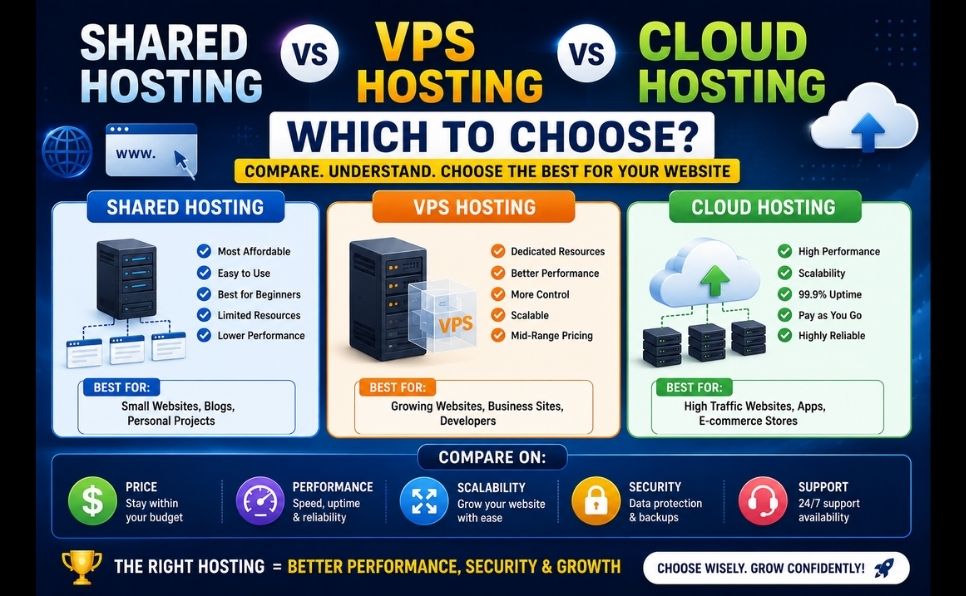
Whichever you choose, make sure to compare current pricing and plan details directly on the provider’s website, since offers and specifications are updated frequently. If you’re still deciding between hosting types in general, our guide on Shared vs VPS vs Cloud Hosting can help you figure out which category fits your website’s needs before you pick a specific provider.
Related reading: What Is Web Hosting · Domain Name vs Web Hosting · Shared vs VPS vs Cloud Hosting · What Is WHMCS