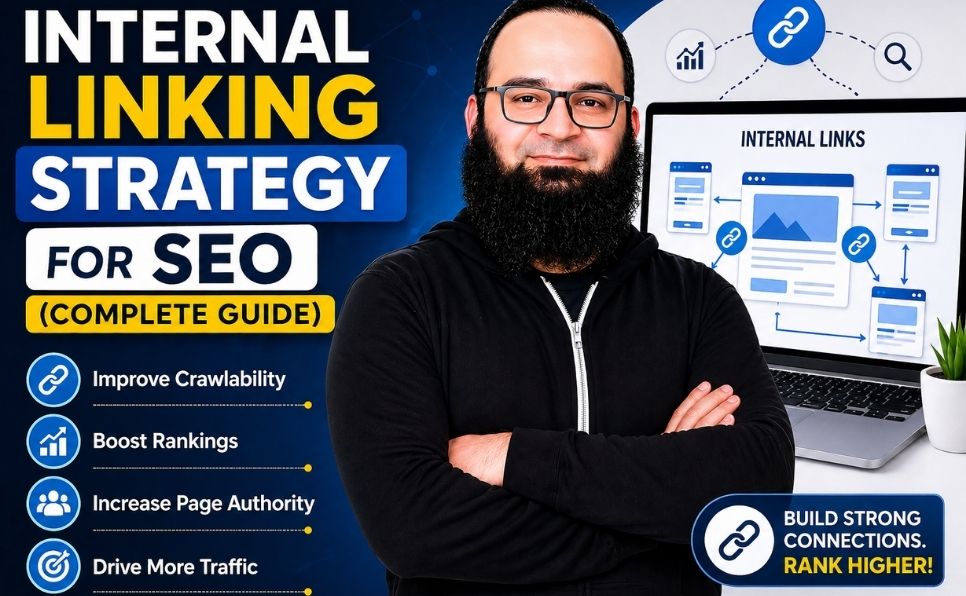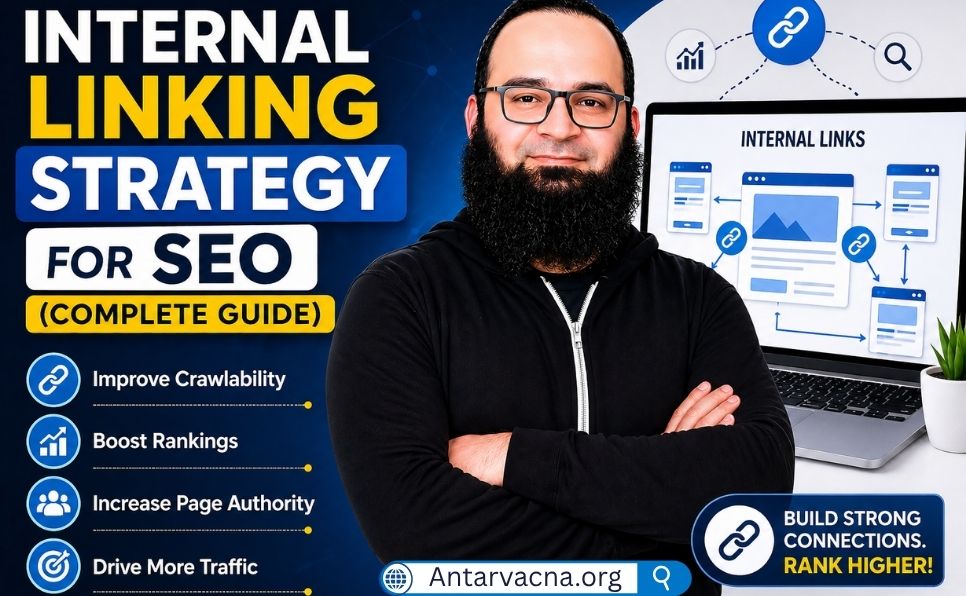
Ever wondered why some websites are always on top of search results? Others seem to hide. The answer might be hidden in your own pages. A good internal linking strategy is key to your success.
It connects your content in a smart way. This helps both people and search engines find their way around your site. It makes your site more powerful and keeps visitors interested for longer.

Learning how to link your content right helps search engines see your site’s structure. It turns separate posts into a strong network. This helps your site rank better in the United States.
Key Takeaways
- Internal connections improve site crawlability for search engines.
- Proper site architecture increases user dwell time and engagement.
- Strategic anchor text helps define the relevance of your pages.
- Distributing link equity boosts the authority of important content.
- A well-planned structure is essential for modern digital marketing.
If your pages are not appearing in search results, you should also read our guide on crawled currently not indexed fix.
Understanding the Fundamentals of Internal Linking
Building a good website means knowing how pages connect. Internal linking is key. It helps both users and search engines find their way.
For website owners managing hosting platforms, tools like WHMCS for web hosting can help organize and automate website operations.
What is internal linking in seo
Experts ask, “what is internal linking in seo?” It’s about linking one page to another on the same site. This makes it easy for visitors to move around and for search engines to find your content.
By using these links smartly, you spread power across your site. This helps your important pages rank better in search results.
Distinguishing between internal and external links
Internal links keep you on your site. External links take you to other sites. Knowing the difference helps manage your site’s image and value.
| Feature | Internal Links | External Links |
|---|---|---|
| Destination | Same Domain | Different Domain |
| Primary Goal | Site Navigation | Credibility/Citations |
| Control | Full Control | No Control |
Internal links let you control what’s linked and where. External links show trust by linking to other sites. Knowing both is key for good SEO.
Why Internal Linking Strategy is Essential for SEO Success
Internal linking is key for SEO because it helps search engines and visitors find their way. It connects related pages, showing search engines your content’s importance and order.
You can also learn how to get your website indexed faster on Google using proper SEO techniques.
How search engines crawl and index your content
Search engine bots find new pages through links. They start at your homepage and explore from there.
If pages aren’t linked, they’re hard to find. This means they won’t show up in search results.
Internal links share “link juice” from high-authority pages to others. This helps newer or less popular pages get noticed.
This way, your whole site gets a boost, not just the homepage. It helps your best content help your other articles grow.
A good linking structure makes your site easy to use. Visitors can find what they need fast, staying longer.
Some think internal linking is just for SEO. But it’s also key for guiding visitors through your site.
When visitors find what they need easily, they trust your brand more. This can lead to more sales and fewer people leaving your site.
Types of Internal Links and Their Specific Roles
Link placement is like a map for people and search engines. It helps them find their way around your site. By using different types of links, you make your site easy to navigate.
Navigational links are the main roads of your website. They are in your menu and sub-menus. They help users find important pages fast.
A good example is the breadcrumb trail on an e-commerce page. It shows the path back to main categories. This helps both users and search engines understand your site’s layout.
Contextual links within body content
Contextual links are in the text of your articles. They connect related topics. This adds value to your content and helps search engines.
For example, a digital marketing guide might link to a keyword research article. This keeps readers interested and helps them find more content.
Footer and sidebar links are secondary navigation. They are in the same place on every page. They often link to important pages like legal info or contact.
| Link Category | Primary Purpose | Placement |
|---|---|---|
| Navigational | Site Hierarchy | Header/Breadcrumbs |
| Contextual | Content Relevance | Body Text |
| Site-wide | Global Access | Footer/Sidebar |
Knowing how to use internal links is key for webmasters. It helps with SEO and makes your site better for users. Always think about what’s best for your visitors.
Developing a Cohesive Internal Linking Strategy
Learning about site architecture is the first step to a better internal linking strategy. A well-organized website is like a map. It helps users and search engines find what they need fast. By planning your links, each page has a special role in your online world.
If you need expert guidance, you can explore our SEO & digital marketing services.
Mapping your site architecture for link flow
Seeing your website’s structure helps you understand how people move through it. You want a simple structure where important pages are easy to find. This keeps your site tidy and avoids lost pages that harm your performance.
Identifying pillar pages and cluster content
A good linking strategy uses pillar pages and cluster content. Pillar pages dive deep into a main topic. Cluster pages give detailed answers to related topics. Linking clusters to pillars shows search engines you’re an expert.
Creating a hierarchy for link distribution
After finding your key content, set up a clear link hierarchy. Your most important pages should get the most links from busy parts of your site. This strategy helps your top content rank better in search results.
Keeping this hierarchy consistent is important. When you add new articles, link them to your pillars. This keeps your site relevant and your link power flowing where it counts.
Best Practices for Anchor Text Optimization
Learning about anchor text optimization is key to improving your website’s links. The words you pick for links are very important for your site’s ranking. By following good practices, your links will work well and avoid trouble with search engines.
Choosing descriptive and relevant anchor text
Link text should clearly tell what the page is about. Don’t use vague words. Pick words that match what’s on the page.
Think about the best “keyword” for the page. Using the right words helps search engines understand your site better. This makes your site easy to navigate.
Avoiding over-optimization and keyword stuffing
It’s okay to use specific terms, but don’t overdo it. Too many links with the same “keyword” can get you in trouble. Use different phrases that naturally fit the topic.
Link variety is important. If all your links look the same, it might seem like you’re trying to trick search engines. Focus on adding value, not just keywords.
Maintaining natural flow for human readers
Your content should be easy for people to read, not just for search engines. If a link disrupts your text, it will annoy your visitors. Make sure your links blend in smoothly.
| Practice Type | Recommended Approach | Avoid This |
|---|---|---|
| Descriptive | Use clear, topic-focused phrases | Generic “click here” links |
| Frequency | Use varied, natural phrasing | Repeating the same keyword |
| Placement | Integrated within body text | Cluttered, unnatural lists |
By making your links easy to read and relevant, you encourage people to explore more. This helps your site in the long run. Always aim to please both your audience and your technical goals.
Balancing Internal Linking with External Linking in SEO
Internal links help organize your site. External linking connects you to the wider web. A good digital strategy mixes both well.
This mix makes your site trustworthy. Search engines see it as authoritative.
The role of outbound links in establishing credibility
Outbound links prove your content is researched. They show your info is based on facts. This builds trust with your readers.

Managing the ratio of internal to external links
Finding the right balance is key. Too many external links can weaken your site’s ranking. But, too few links make your site seem isolated.
Use internal links to guide visitors. Use external links to support your claims. This keeps your site central for visitors.
| Link Type | Primary Goal | SEO Impact |
|---|---|---|
| Internal | Site Navigation | Distributes Authority |
| Outbound | Source Validation | Builds Trust |
| Backlink | Authority Growth | Improves Rankings |
Ensuring outbound links provide value to the user
Every link should help the reader. Find high-authority sites that match your content. This makes your site a valuable resource.
Make sure the links go to active, relevant pages. Good outbound links make your site a trusted expert. This boosts your search presence.
Technical Implementation and Tools for Internal Linking
As your website grows, managing links by hand gets hard. Using spreadsheets or memory can lead to mistakes. Luckily, new tools help keep your links organized with little effort.
Using internal links yoast and other plugins
WordPress and other CMS systems have great tools to help you. Internal links yoast suggests links as you write. It finds the best pages to link to.
Other tools like Rank Math or Link Whisper do the same. They suggest the best anchor text and pages. This keeps your content connected without you always checking.
Automating link suggestions for large websites
Big websites need help with links. Automation is key to keep things organized. Advanced software finds links you might miss.
These tools use smart tech to match topics. This makes your site easier for search engines to find. It keeps your links working well as your site grows.
Monitoring link health and broken internal links
Keeping your site healthy is important. Broken links make users and search engines unhappy. Use tools to find and fix 404 errors weekly.
Checking links often helps avoid ranking problems. A clean link profile makes your site better for everyone. Regular checks keep your site running smoothly.
Auditing Your Current Website Linking Tactics
Checking your website links often is key to keeping your search engine ranking good. A detailed check finds hidden problems that might lower your ranking. It also makes sure search engines can find your content easily.
Identifying orphan pages that lack inbound links
Orphan pages are on your server but no links point to them. Without links, search engines find it hard to see or list them. Use tools to find these pages and link them to your site.

Analyzing internal linking in seo example scenarios
Imagine a top blog post doesn’t link to a product page. This misses a chance to send link power to key pages. A good internal linking plan makes sure all pages are connected well.
| Metric | Healthy Link Status | Action Required |
|---|---|---|
| Orphan Pages | Zero | Add relevant links |
| Broken Links | Zero | Update or remove |
| Link Depth | Under 3 clicks | Improve navigation |
Fixing broken links to preserve link equity
Broken links make your site hard to use and tell search engines it’s not cared for. You need to find and fix 404 errors to keep your site’s link value. Fix the link or redirect it to a good page.
Common Mistakes to Avoid in Your Linking Strategy
Even the best SEO experts can make mistakes. Internal linking helps a lot, but doing it wrong can hurt your site. Spotting these mistakes early helps fix your strategy and keep your site healthy.
Many think more links mean better rankings. But too many links on one page messes with search engines. It makes each link less powerful.
Choose quality over quantity. This way, your most important pages get the strongest signals. Fewer links mean search engines focus on what’s most relevant.
Using generic anchor text like click here
Anchor text is key for both users and search engines. Using “click here” or “read more” is a lost chance. It doesn’t tell crawlers what to expect.
Use anchor text that includes relevant keywords. This helps screen readers and makes navigation clear. Accurate anchor text makes your site better for users and SEO.
Ignoring the importance of mobile-friendly link placement
Most web traffic comes from mobiles now. Where you place links matters a lot. Links too close together are hard to tap on mobiles.
Make sure links have enough space and are easy to tap. Design for mobiles first. This keeps your site easy to use on all devices.
| Linking Practice | Impact on SEO | User Experience |
|---|---|---|
| Excessive links per page | Dilutes authority | Confusing and cluttered |
| Generic anchor text | Lacks context | Uninformative |
| Mobile-unfriendly links | High bounce rate | Difficult to navigate |
Conclusion
Building a strong internal linking strategy is a journey, not a one-time job. It needs your ongoing effort and attention to detail.
You have the tools to make search engines understand your content better. Use these methods to guide crawlers and improve your visitors’ experience.
Being consistent is key for growth. Even small changes in your link strategy can make a big difference in how visible and trusted your site is.
Start using these tips now to boost your online presence. Make your website stronger by focusing on clear connections and easy navigation for everyone.
If you want to improve your website SEO and internal linking strategy, feel free to contact us for professional support.